


TShirt Escape: Create Disappear VFX in 15 Minutes with an App
- 31. Mai 2017
- 2 Min. Lesezeit
ARE YOU HERE, because you want to learn
how to disappear with style and not much longer than 15 Minutes?
Then please welcome to this Secret Reveal Tutorial.
Here is the Effect we are going to learn today:
1. Get The Vine App
This Video was made ONLY with this APP.

This is the greatest App i´ve worked with, but what makes this App so great is a feature called "Ghost". With this mode on we can see the last frame from our capture before. This means we can see an Overview (50% Opacity) trough our current recording.
aaand...
Thats the reason why you should get the App.
You can download it right here:


Extra Tipp
While recording try to hide the cut with some movements.
Shake, slide, lift the camera to retouch the cut.
But please do it gentle and soft.
2. Filming With Vine
Now we have the Vine App but what now?
So first you have to know that Vine only records when you press and hold your Display. When you release it will pause the recording and continue only when you hold it again. And also take in mind that Vine only record the first 6 seconds.
NOTE: Dont forget to press the ghost Button on the bottom of the App.
3. How i Made My Video
I recorded myself with my hand and not with an tripod because with my hands im always have some movements and as we learned movements are good to hide the cut. First i turned the camera to the selfie camera then i started to record myself until the moment i pulled up my Tshirt because thats the point where i wanted to disappear. And then i turned the camera again to my back camera and turned myself 180°.
Pressed the "Ghost" button and try´d to find the spot from where the selfie cam has recorded me.
After 10 Minutes i found the perfect spot where everything has matched up with the pervious frame. Then i grabbed my 2. white Tshirt that i had placed nearby before and put it infront of my camera and throw it upwards and recorded everything.
Later i was able to play around with the cut to adjust it a little bit better.
And this is how i made my Vine Video :)
Hope you Enjoyed.

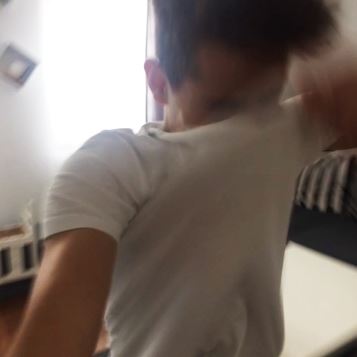

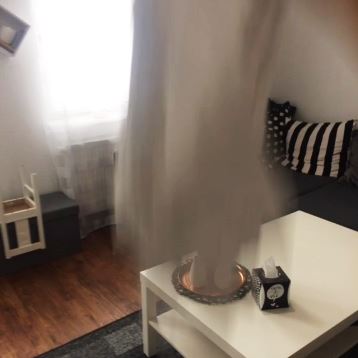
1. Video ends Cut 2.Video starts


Kommentare